
Audio CD
Plug a USB optical drive into your Pi. Insert a CD. Playback starts automatically with full track metadata and cover art via go-mpd-discplayer.
go-mpd-discplayer is part of the odio project but is a standalone daemon — it works with any MPD setup. Cross-compiled binaries and deb packages are available on GitHub releases, and via the odio apt repository.
How it works
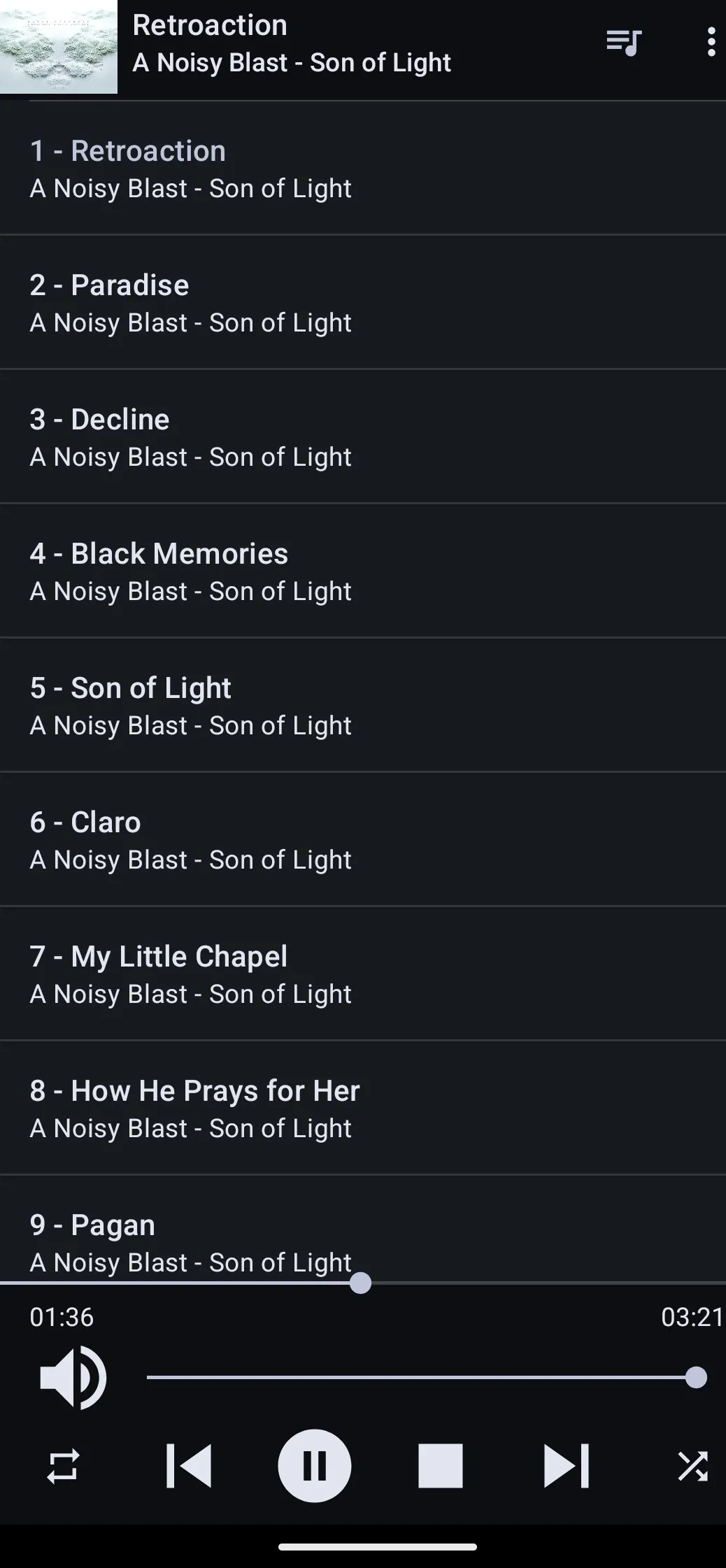
Section titled “How it works”go-mpd-discplayer detects disc insertion, reads the disc ID, and queries GnuDB and MusicBrainz for artist, album, and track information. It generates a CUE sheet and feeds it to MPD. Individual tracks appear in the queue with their proper names.
When you eject the disc, the tracks are removed from the queue.
Playback controls
Section titled “Playback controls”CD playback is controlled like any other MPD source — from the odio application, Home Assistant, or any MPD client:
- Play / pause / stop / next / previous
- Seek within tracks
- Shuffle and repeat
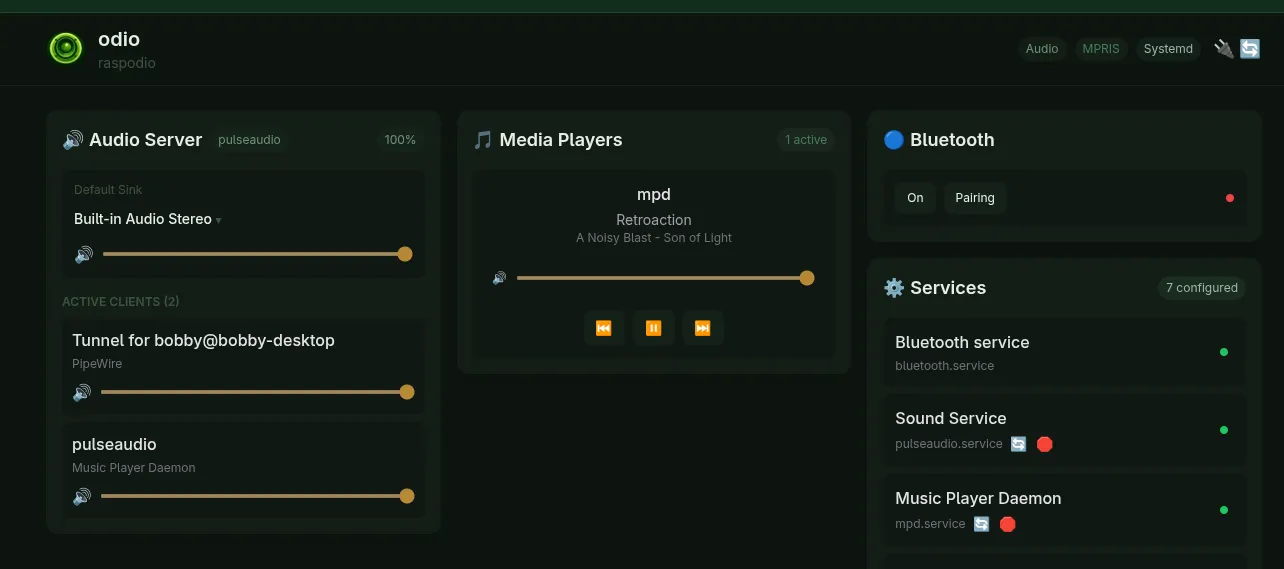
Note: Cover art is not yet displayed in the embedded UI for CD playback. mpDris2 does not currently forward cover art via MPRIS — this is a work in progress.
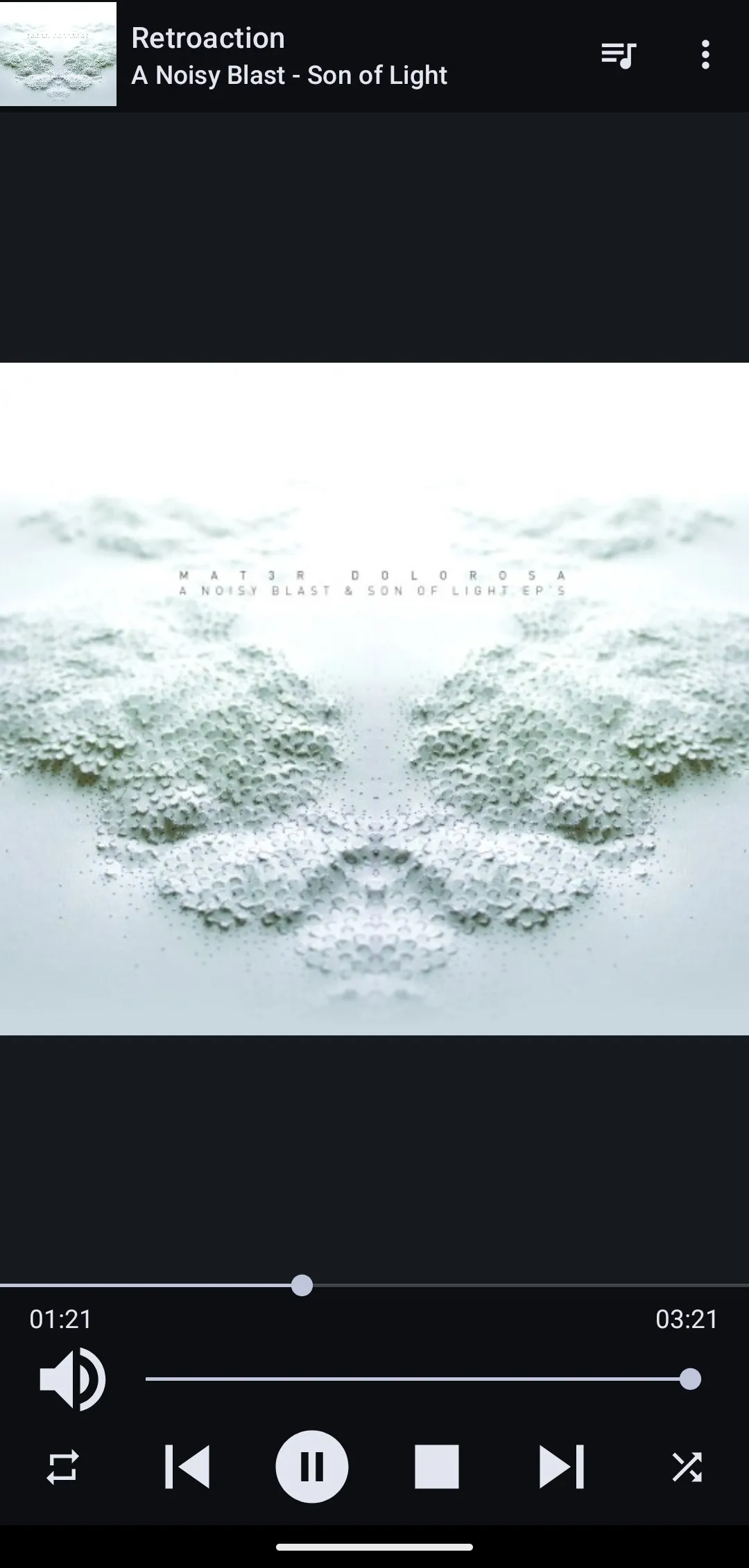
From an MPD client like MALP, cover art and full track metadata are available:
Drive management
Section titled “Drive management”The drive speed is managed automatically: full speed during disc initialization, then reduced to 12x for quiet playback.