
How to play NAS and local media with MPD on odio
MPD (Music Player Daemon) is the local music player on your odio node. It handles audio CD, USB flash drive playback, and can also serve a full music library from a NAS.
No library management by default
Section titled “No library management by default”odio is designed as a streamer, not a library manager. A large music database on a Pi (especially older models like the B+) causes long scan times, high CPU usage, and corrupted database files — particularly over NFS.
By default, MPD only maintains a lightweight local database for CD and USB playback via go-mpd-discplayer.
If you want library browsing, two options are available: mounting the NAS share (NFS or SMB), or MPD running on the NAS.
Playback controls
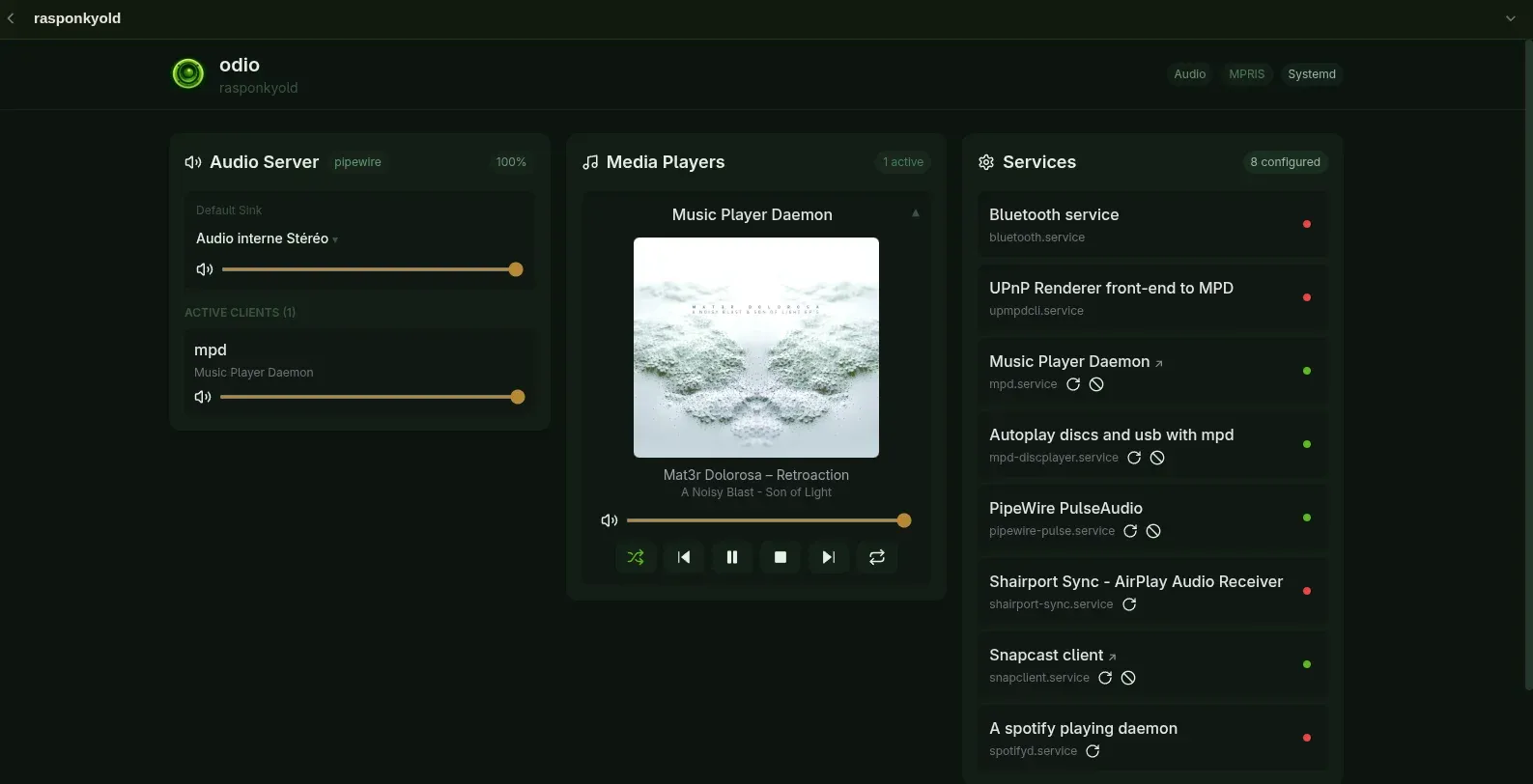
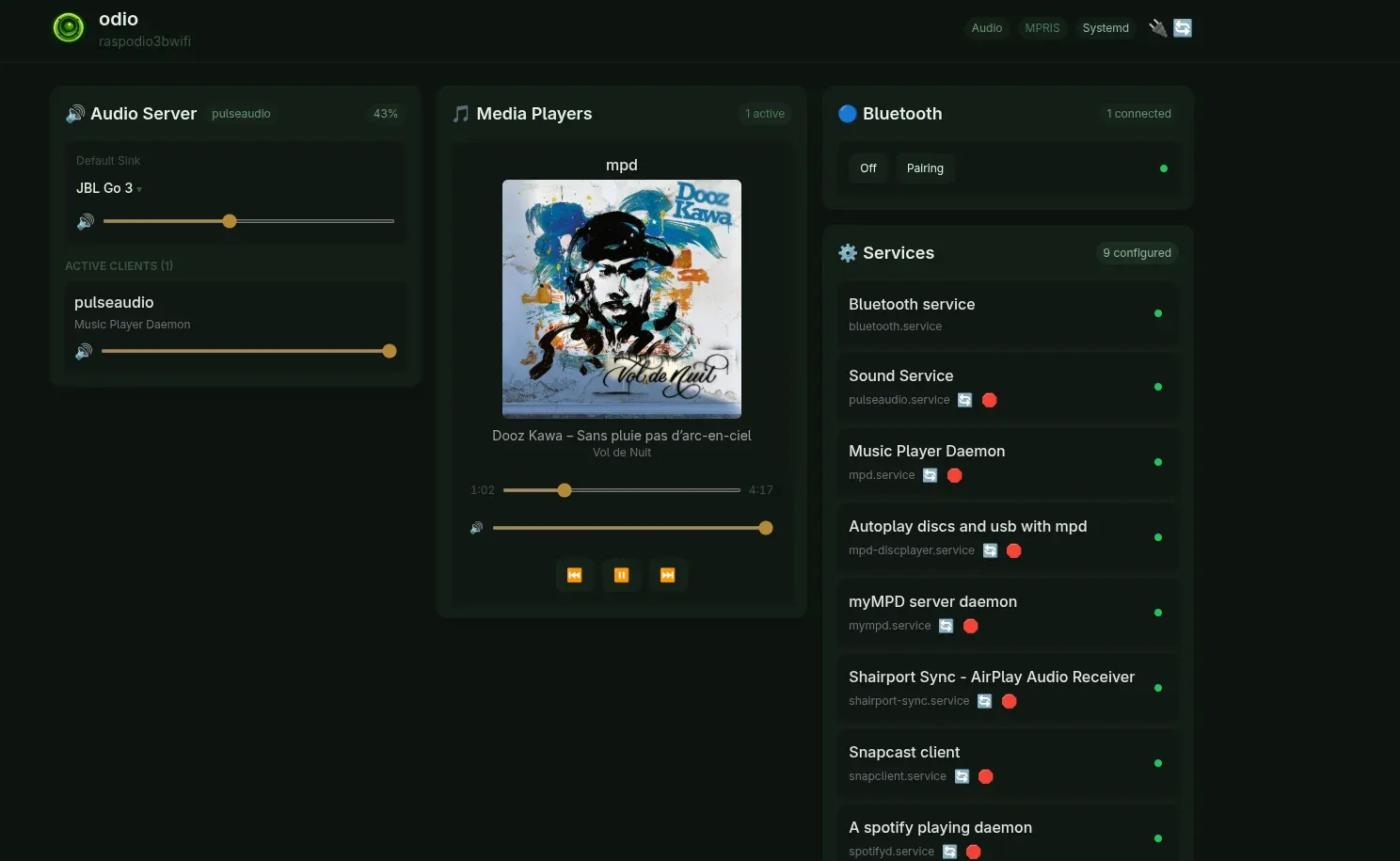
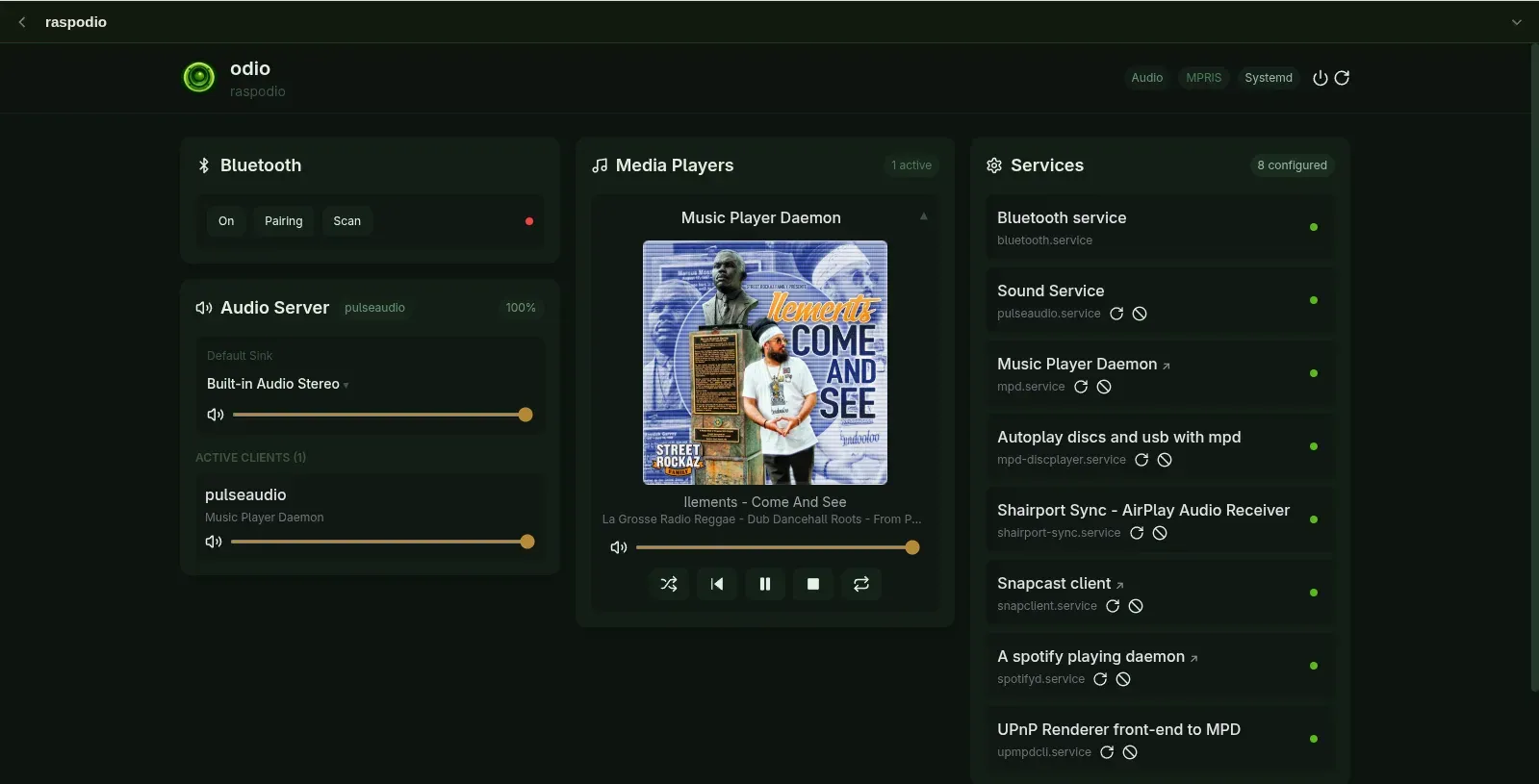
Section titled “Playback controls”MPD exposes itself as an MPRIS player via mpd2mpris. This is what allows the odio API to discover and control MPD playback alongside all other sources. Playback is controllable from the embedded UI, the odio application, Home Assistant, or any MPD client.
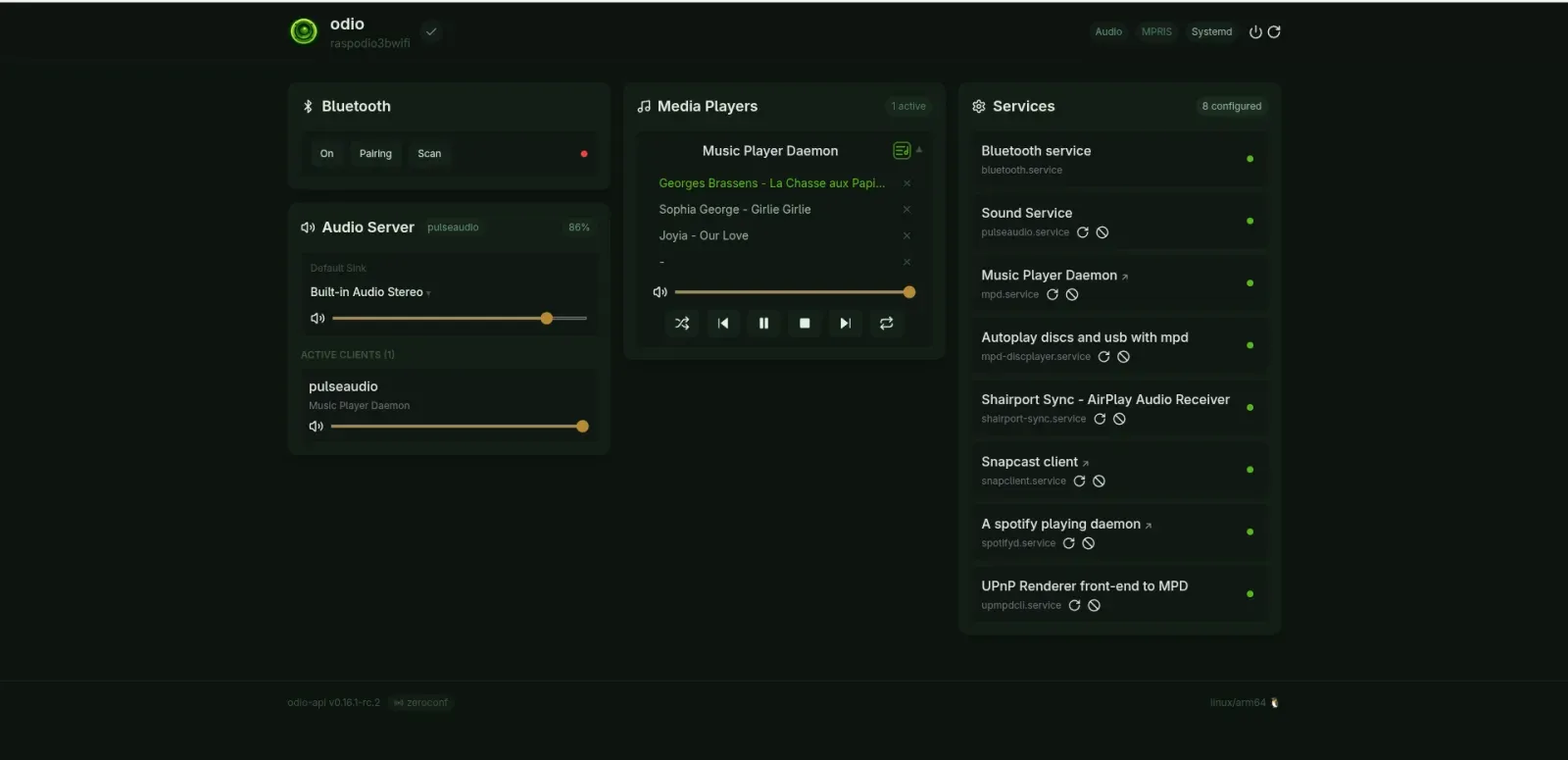
Since mpd2mpris v0.13.0, the MPD queue is also exposed as an MPRIS TrackList and stored playlists through the Playlists interface, so a client can browse the queue, jump to a track, add or remove entries, and switch playlists without speaking the MPD protocol. AddTrack, RemoveTrack and GoTo map to MPD’s addid, deleteid and playid, and the URI schemes and MIME types advertised over MPRIS come from MPD’s own urlhandlers and decoders. ActivePlaylist follows MPD’s lastloadedplaylist, which needs MPD 0.24 or newer, everything else works on any supported MPD.
The mpd2mpris daemon shipped by odio walks an ordered cover-art pipeline: the embedded picture inside the audio file (MPD’s readpicture), a regex-matched image in the song’s directory, MPD’s albumart resolver, a CUE/cdda fallback that looks next to the loaded .cue playlist when the current song is a virtual reference like cdda://Disc/Track01 or sheet.cue/trackNNNN, and, when nothing local is found, remote cover-art URLs (MusicBrainz/CAA, iTunes or Deezer for tagged tracks; the station favicon or myMPD WebradioDB for web-radio streams). The remote steps expose the image URL as mpris:artUrl directly, so nothing is downloaded or cached to disk.
The CUE fallback is what makes cover art work for audio CD playback: MPD’s CUE plugin is configured with as_directory "true", which exposes the CUE sheet as a virtual directory, and the cover.jpg cached by go-disc-cuer sits next to it where the fallback finds it.
myMPD web UI
Section titled “myMPD web UI”myMPD ships as a sub-feature of the mpd role since 2026.4.2b2, running as a user systemd service themed in the odio palette and pointed at the local MPD. It tags along whenever MPD is installed (opt out with INSTALL_MYMPD=N), and the package itself comes from odio-mympd, the build-only pipeline that tracks upstream and publishes .deb to apt.odio.love.
Open it from any browser on the network:
http://<ip>:8080Or via Zeroconf (mDNS):
http://<hostname>.local:8080Since 2026.5.0b1, the odio API also publishes the myMPD URL alongside mpd.service, so the embedded UI and odio application link to it directly from their services list.
The home page surfaces four quick-access shortcuts: an odio icon that jumps back to the embedded UI, plus Webradios, Albums, and Artists views into the local library.
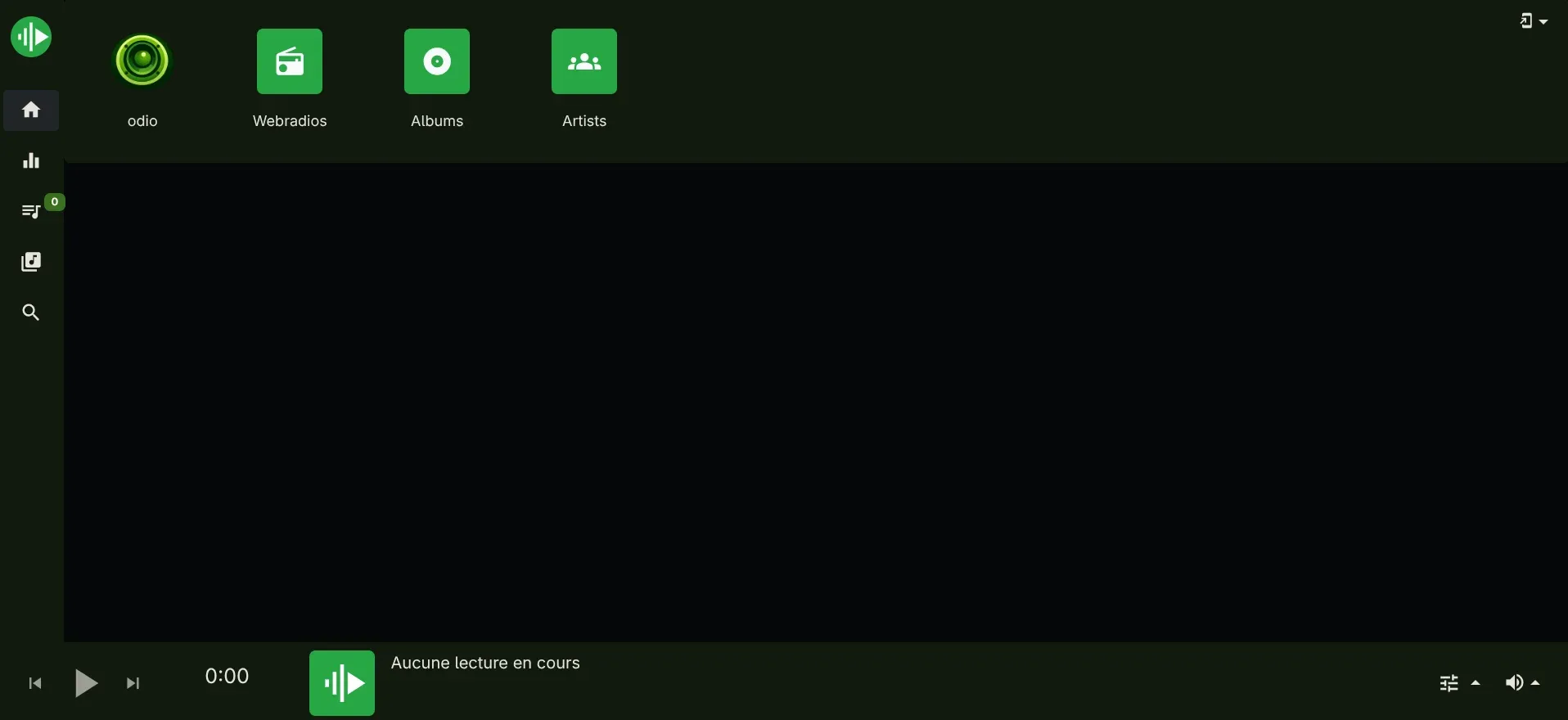
It covers the MPD-side use cases the embedded UI doesn’t: library browsing, tag-aware search, building a queue from scratch.
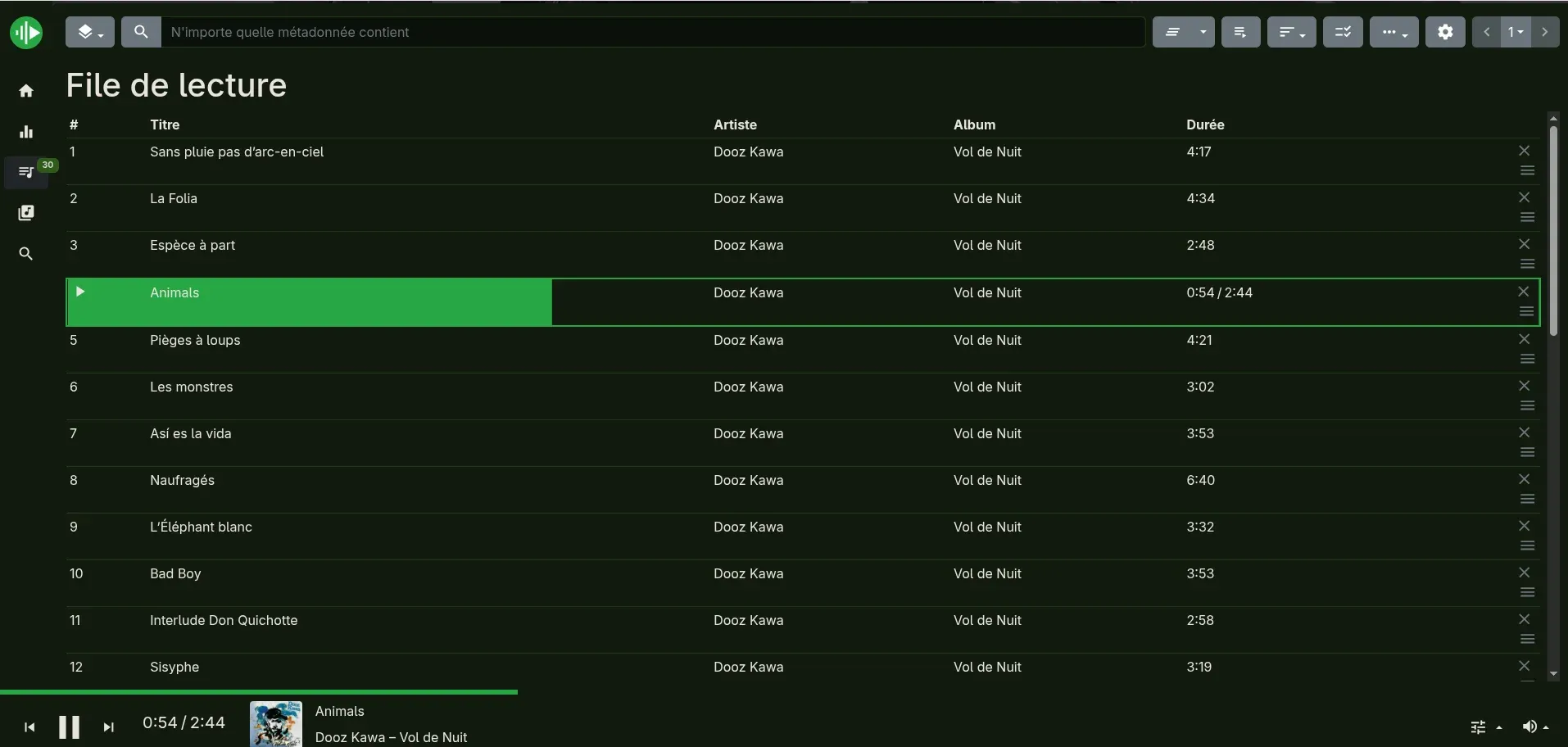
- USB drives — browse and queue from any stick go-mpd-discplayer has indexed. The stick’s content stays browsable as long as it’s plugged in.
- CD library — every CD that’s been inserted before shows up as a virtual directory (CUE sheets cached in MPD’s music directory by go-disc-cuer, exposed via MPD’s CUE plugin with
as_directory "true"). Browsing works offline, but playback still needs the matching physical disc in the drive — the audio comes from thecdda://URI, not from the cached metadata. - Your own library — for anyone wanting to manage their own collection through odio (NAS mount, files on the node, etc.), it’s a real MPD client with playlists, queue, and tag editing.
Web radios get their own dedicated treatment. See Webradios → Via myMPD on the odio node.
Using a NAS library
Section titled “Using a NAS library”The two options from above each carry a tradeoff.
Mount the share over NFS
Section titled “Mount the share over NFS”odio’s MPD watches /media/USB, so mount your NAS export as a subfolder there. Install the NFS client and mount it:
sudo apt install nfs-commonmkdir /media/USB/Musicsudo mount -t nfs 192.168.1.21:/export/Music /media/USB/MusicTo survive reboots, add an /etc/fstab entry (_netdev waits for the network):
192.168.1.21:/export/Music /media/USB/Music nfs defaults,_netdev 0 0Then trigger a database update:
mpc updateThe files are browsable from any MPD client. Simple, but the scan runs on the Pi and gets slow over NFS for large collections, the exact problem odio sidesteps by default.
Mount the share over SMB
Section titled “Mount the share over SMB”If NFS permissions on the NAS are a hassle, an SMB (Windows) share works the same way and needs nothing beyond a read-only user on the NAS side. This setup was contributed by @voterpublic in discussion #85, running on a Raspberry Pi 3B+ with a Synology NAS.
On the NAS, create a user with read-only access to your music folder, and make sure SMB is enabled in its file services. On Synology, both live in the Control Panel.
On the odio node, install the SMB client:
sudo apt updatesudo apt install cifs-utilsStore the NAS credentials in a file only root can read:
sudo nano /etc/odio-smb.credentialsusername=your_nas_userpassword=your_nas_passwordsudo chmod 600 /etc/odio-smb.credentialsThen mount the share under /media/USB, replacing <NAS_IP> and <Music> with your NAS address and share name:
sudo mkdir -p /media/USB/<Music>sudo mount -t cifs //<NAS_IP>/<Music> /media/USB/<Music> -o credentials=/etc/odio-smb.credentials,vers=3.0,uid=1000,gid=1000uid and gid make the files owned by the user odio runs as, run id as that user if yours isn’t 1000.
To survive reboots, add an /etc/fstab entry. x-systemd.automount mounts the share on first access, and nofail lets the node boot even when the NAS is off:
//<NAS_IP>/<Music> /media/USB/<Music> cifs credentials=/etc/odio-smb.credentials,vers=3.0,uid=1000,gid=1000,x-systemd.automount,nofail 0 0Then trigger a database update:
mpc updateThe same tradeoff as NFS applies: the scan runs on the Pi.
Run MPD on the NAS
Section titled “Run MPD on the NAS”For a large library, run MPD on the NAS itself. The full NAS-side setup lives in the NAS use case.
Custom MPD config
Section titled “Custom MPD config”Direct edits to ~/.config/mpd/mpd.conf get overwritten on every odios upgrade. Since 2026.5.0b3, the managed config includes an optional ~/.config/mpd/mpd_local.conf parsed last, so any directive set there takes precedence over the managed ones. Create the file as the target user, add your overrides, and restart mpd.service.
MPD clients
Section titled “MPD clients”For library browsing and queue management, you can also use any external MPD client: