How to auto-play USB flash drives on odio
Plug a USB flash drive with audio files into your Pi. After a few seconds, playback starts automatically via go-mpd-discplayer.
How it works
Section titled “How it works”go-mpd-discplayer monitors udev for USB block device events. When a stick is inserted, it mounts the filesystem via udisks2, triggers an MPD database update, and starts playback. The previous queue is replaced with the stick’s content. See MPD Disc Player for installation, configuration, and standalone usage.
Video files (.mkv, .mp4, etc.) are ignored automatically.
When you remove the stick, its tracks are removed from the active queue.
Polkit rule
Section titled “Polkit rule”Mounting USB devices from a user session requires a polkit rule to authorize udisks2 operations. The odio installer deploys this automatically:
/etc/polkit-1/rules.d/80-mpd-udisks.rulespolkit.addRule(function(action, subject) { if ((action.id == "org.freedesktop.udisks2.filesystem-mount" || action.id == "org.freedesktop.udisks2.filesystem-mount-other-seat") && subject.user == "odio") { return polkit.Result.YES; }});On headless systems, the odio installer deploys this polkit rule to allow the odio user to mount USB filesystems as a normal user, without sudo.
On desktop systems with a graphical session, this rule is not needed — udisks2 already grants these permissions.
Multiple sticks
Section titled “Multiple sticks”If you plug in a second stick, it replaces the first in the queue. The first stick’s content remains browsable in MPD’s database as long as it stays plugged in.
Playback controls
Section titled “Playback controls”Same as any other MPD source — controllable from the odio application, Home Assistant, or any MPD client.
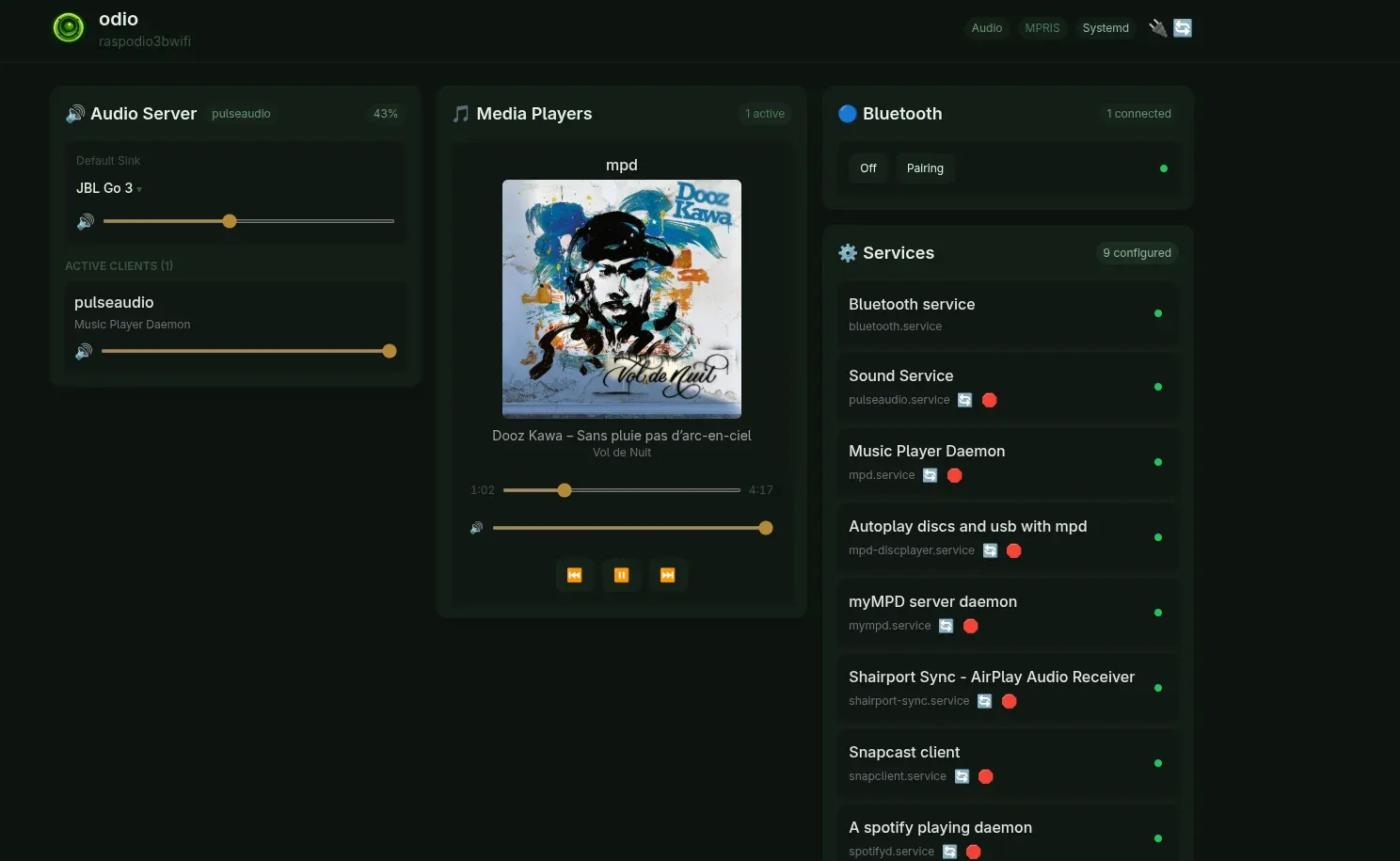
Cover art in the embedded UI for USB playback ships since odio-api v0.11.0, which serves local cover art (embedded tags, or cover.jpg/cover.png/cover.tiff/cover.bmp next to the audio files) over the API.
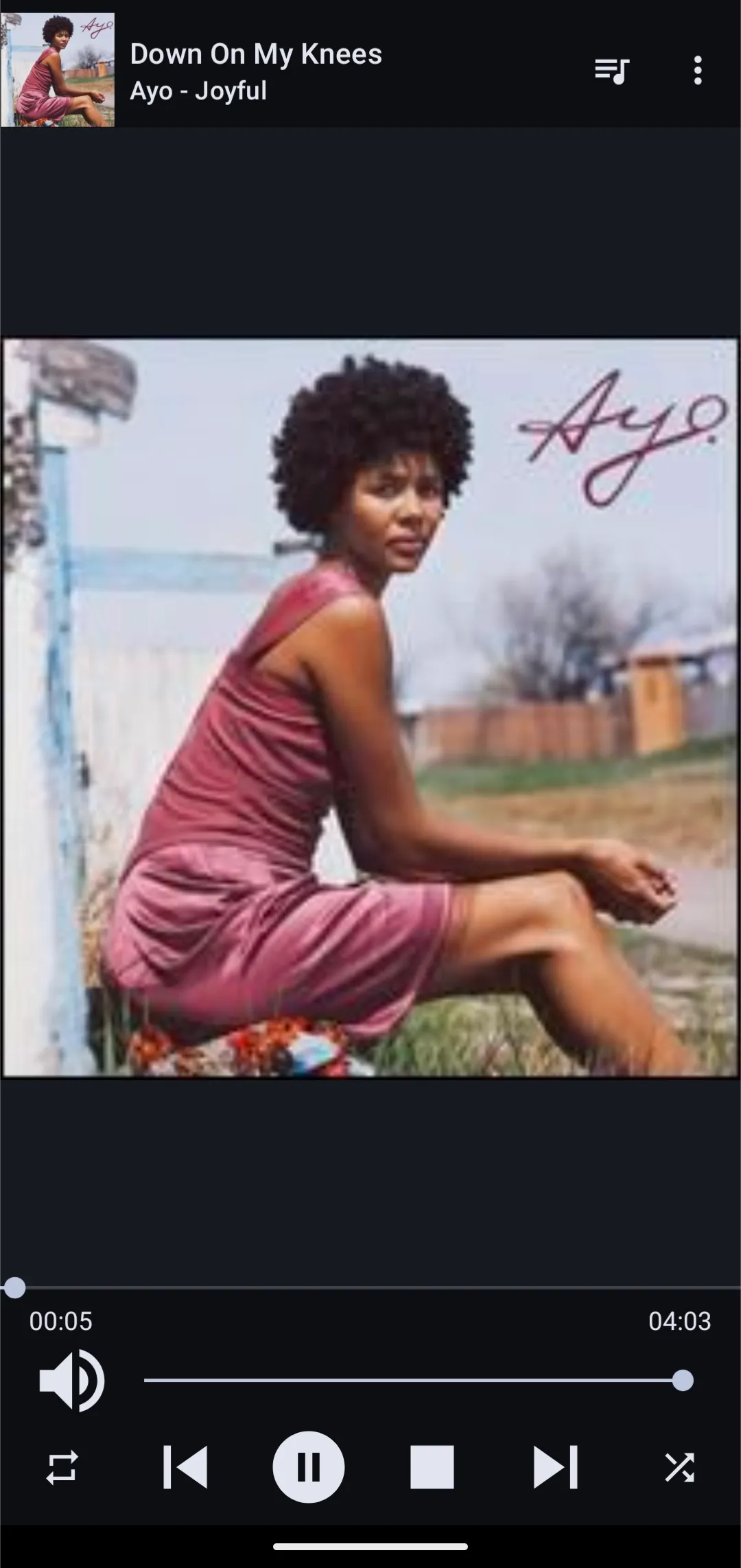
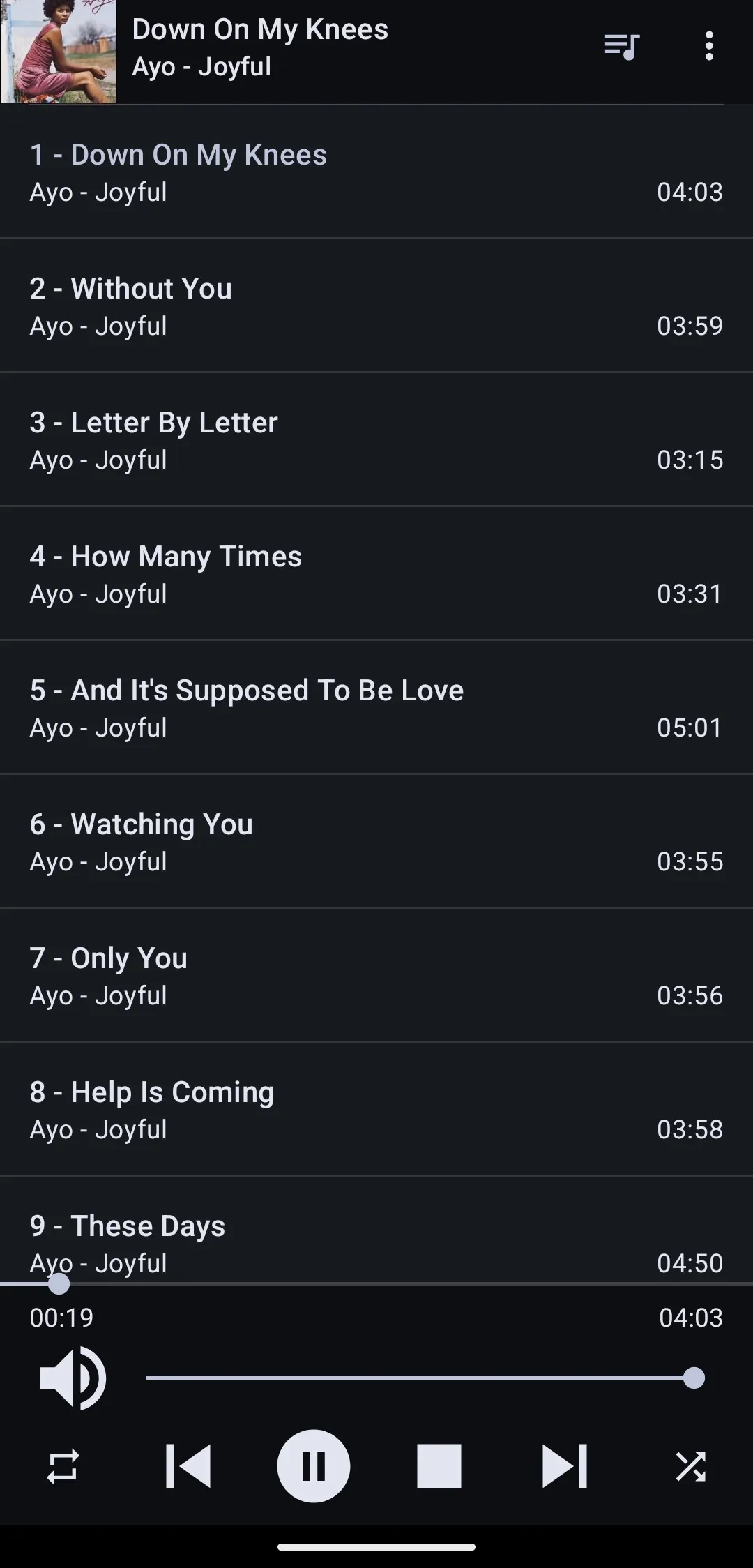
From an MPD client like MALP, cover art and full track metadata are available — as long as the USB drive contains a cover.jpg, cover.png, cover.tiff, or cover.bmp in the same folder as the audio files (or embedded art in the file tags).