How to control odio from your web browser
go-odio-api ships with an embedded web UI. No separate deployment, no build step — the API and the interface are the same process.
Access
Section titled “Access”Open your browser and navigate to:
http://<ip>:8018/uiOr via Zeroconf (mDNS):
http://<hostname>.local:8018/uiNo installation, no account. If you can reach your node on the network, you can control it.
The same UI can also be shown on a display wired to the node itself, with no desktop environment installed — see local screen.
Features
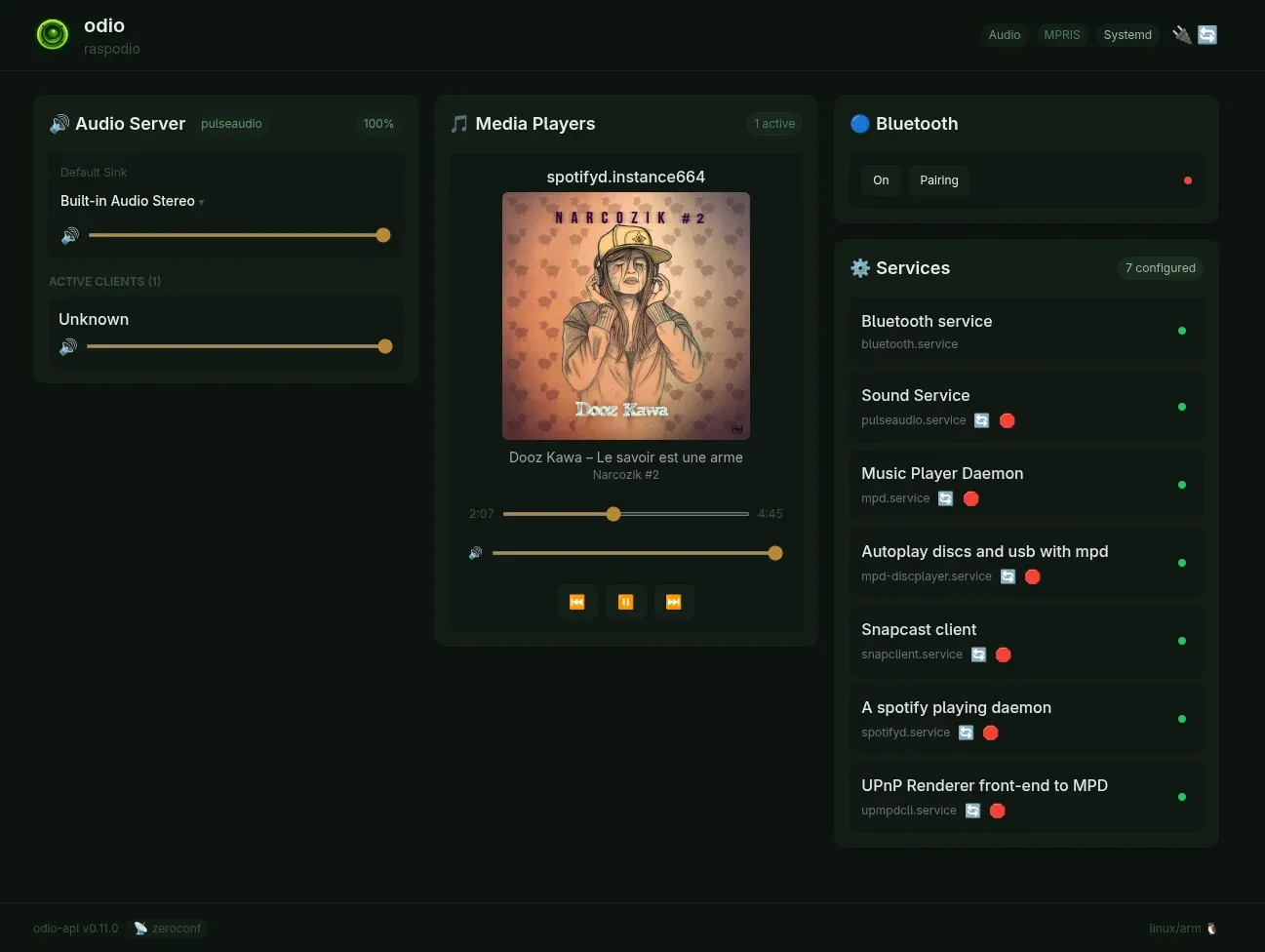
Section titled “Features”The embedded UI provides the same controls as the application: playback, volume, Bluetooth, services, and power management. For a multi-node setup or an installable app experience, see the odio application.
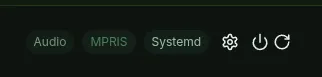
Since odio-api v0.17.0, a gear icon in the header opens the node’s settings page on port 8021: upgrades, components, and DAC selection. The link comes from the api.ui.admin key, which odios sets on a full install.
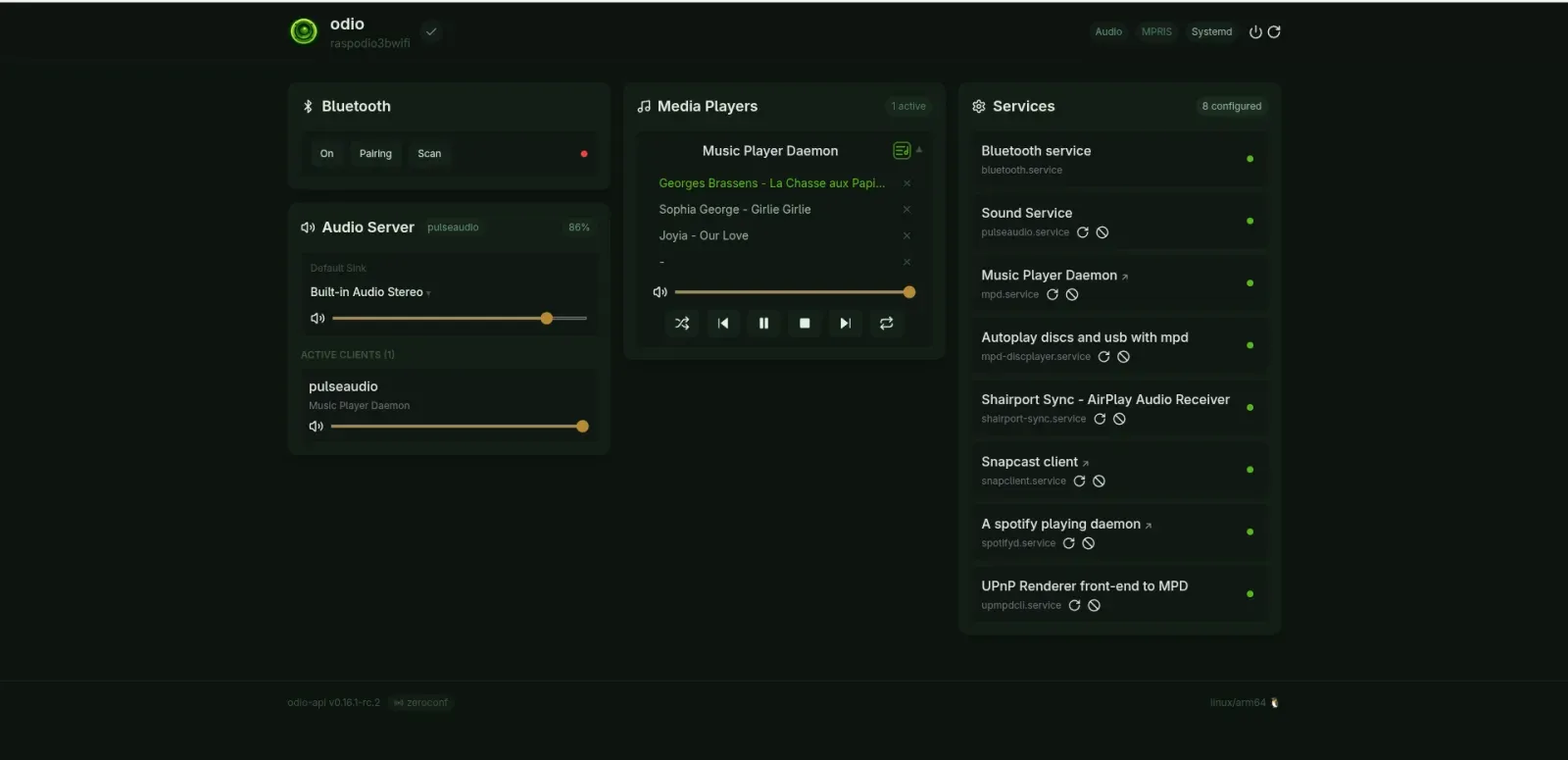
Since odio-api v0.16.0, a toggle on the player card swaps the cover for the tracklist when the player exposes one and it holds at least two tracks: the current track is highlighted, tapping a row jumps to it, and each row gets a remove button when the player allows queue edits. The chosen view and the scroll position survive live refreshes. Tapping a cover opens it fullscreen, tap again or press Escape to close.
How it works
Section titled “How it works”The UI is built with HTMX and Tailwind CSS, compiled into the Go binary via go embed. No build step, no CDN, no external requests — everything is served from the binary itself, 100% local.